Monday, October 26
10:08
iPhone and iPad. Connect a cable, unlock and tap Trust. There's nothing to install on the phone.
iPhone & Android capture · ⌃⌥P
Press ⌃⌥P and plug in an iPhone or iPad, or an Android phone with USB debugging. Its screen appears in a window on your Mac, ready to screenshot or record.
macOS 14 Sonoma or later · Apple silicon & Intel
iPhone and iPad. Connect a cable, unlock and tap Trust. There's nothing to install on the phone.
Android. Turn on USB debugging and install Google's adb, and the phone shows up the same way.
macOS presents a connected iPhone or iPad screen as a video source, the same way QuickTime Player sees it, so it asks for camera access the first time. NeatShot uses it only to show the phone's screen.
No. An Android phone records its own screen with Android's screenrecord, which has no sound and stops after 3 minutes; NeatShot copies the video to your Mac when you stop. iPhone and iPad recordings include the phone's sound.
Yes. With AI assistants turned on in Settings › Automation, the list_phones and capture_phone_screenshot tools, and neatshot capture phone on the command line, take a screenshot of a connected phone.
An MCP server lets Claude, Cursor and other assistants take screenshots, read text and record; the neatshot command does the same in scripts.
Learn more →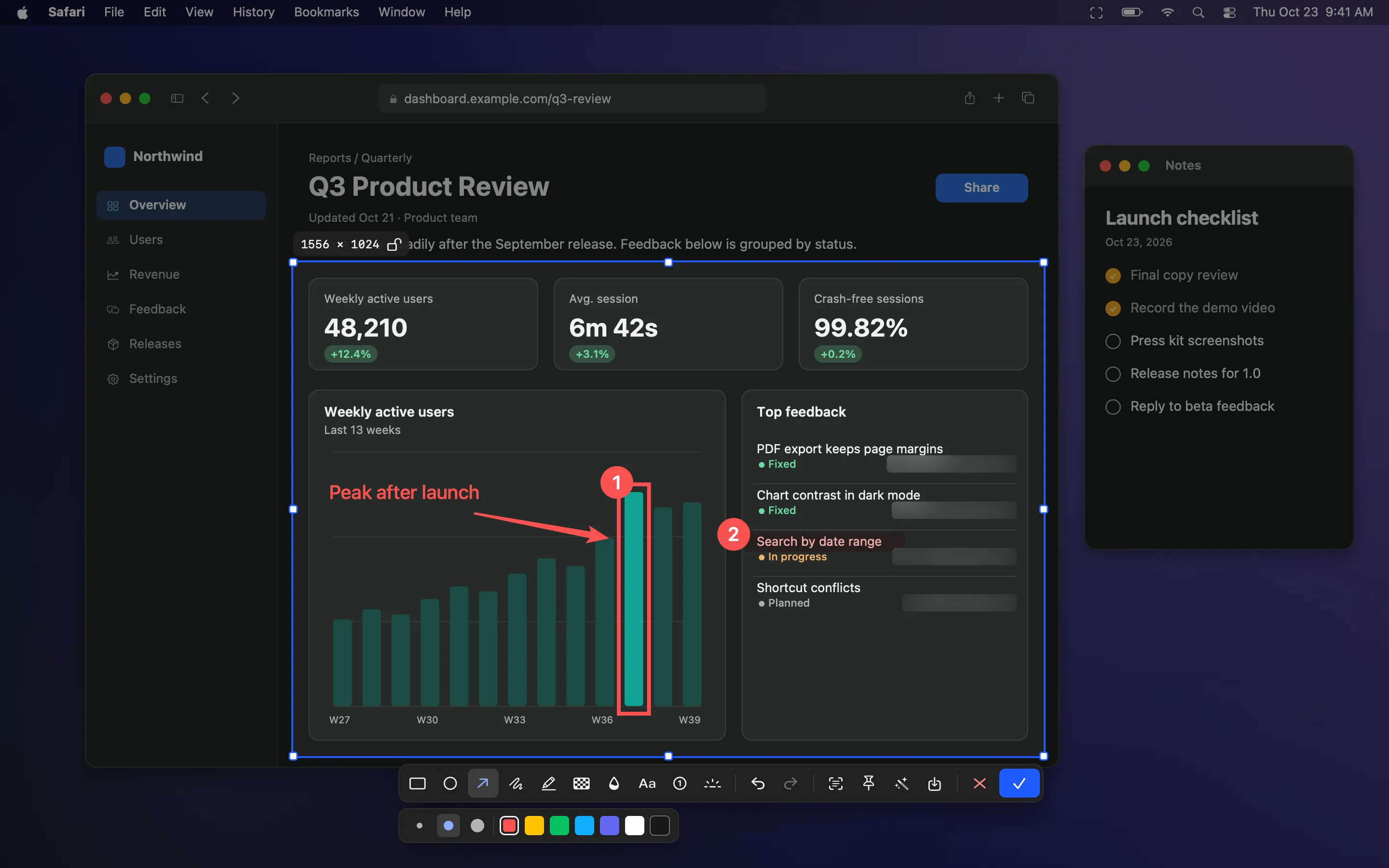
Area, window and full-screen capture with 11 annotation tools, an editor and one-click beautify.
Learn more →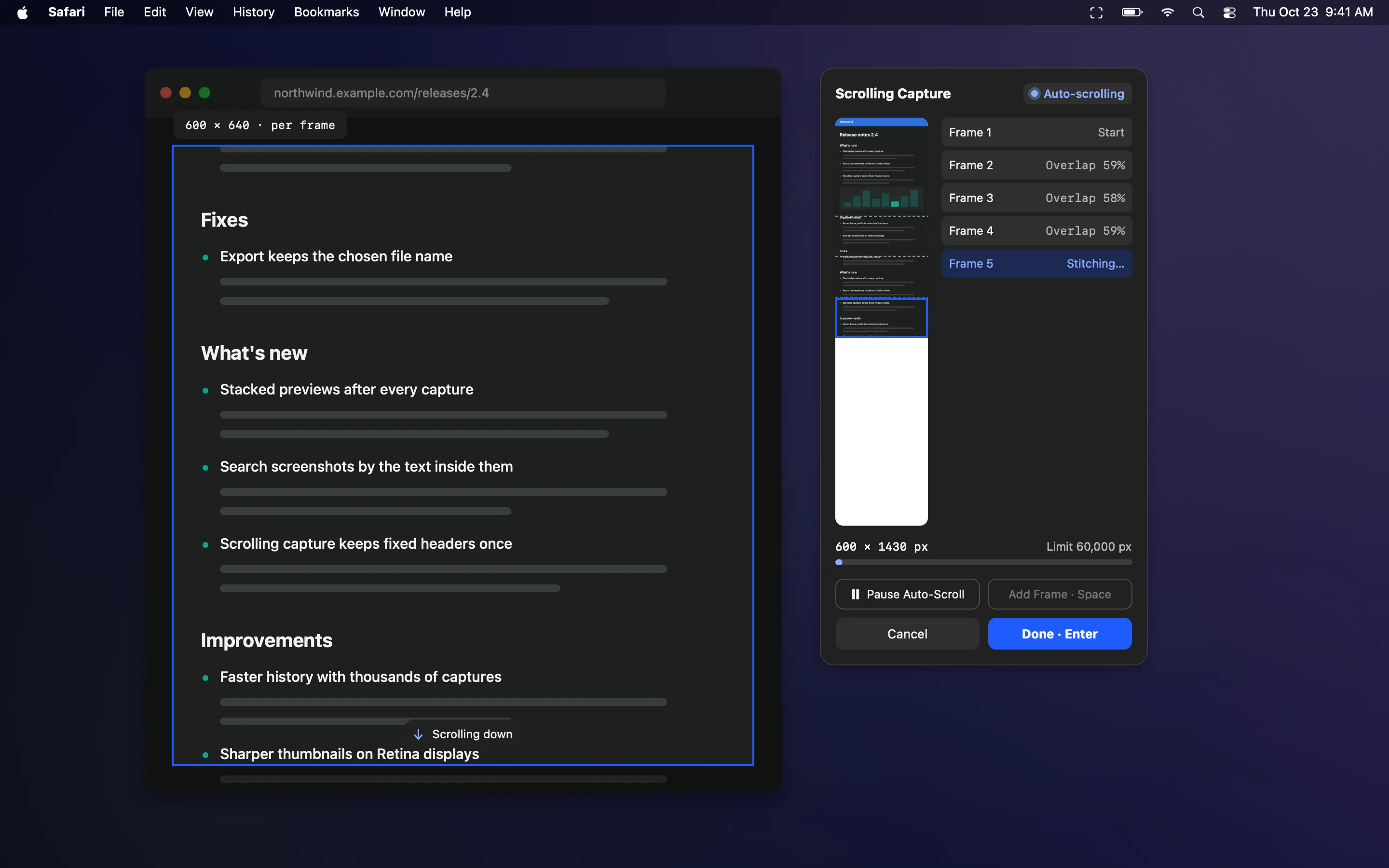
Stitch long pages, chats and documents into one tall image — scroll yourself or let NeatShot scroll.
Learn more →
Free, signed and notarized for macOS 14 Sonoma and later.
macOS 14 Sonoma or later · Apple silicon & Intel